
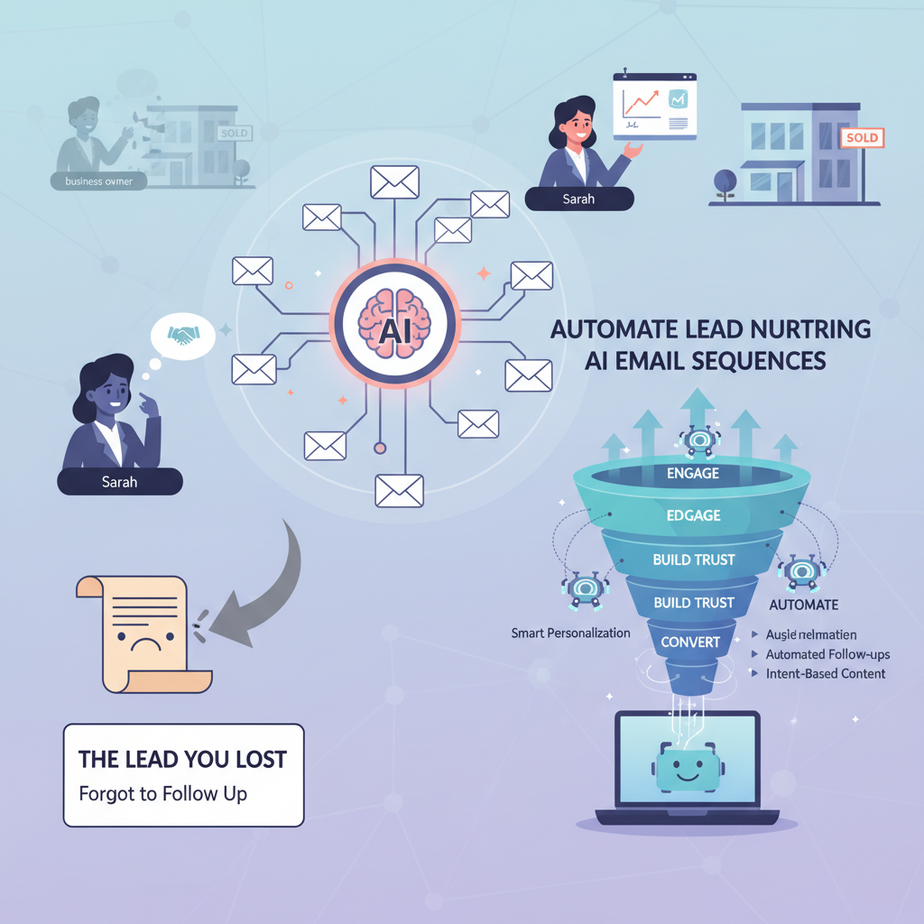
Hook: The Lead You Lost (Because You Forgot to Follow Up)
Remember Sarah? The real estate agent who had a perfect lead—a business owner ready to sell their office building. She sent one enthusiastic email, then got busy with another client. Two weeks later, she remembered to follow up. By then, Sarah’s lead had gone cold, bought from a competitor, and her business went “sigh”—another 20 grand down the drain.
This isn’t just Sarah’s story. It’s the story of millions of businesses bleeding revenue because follow-up is manual, chaotic, and forgettable. It’s like having a factory that only runs when you’re personally watching the assembly line.
Why This Matters: Your Leads Are Gold, Not Garbage
Here’s the brutal truth: 80% of sales require 5-12 follow-ups, but the average salesperson gives up after 2 calls. That means you’re leaving a mountain of revenue on the table because you’re drowning in busywork. An automated email sequence replaces the most boring parts of selling: it sends the right message at the right time, every single time. It’s like hiring a tireless intern who never sleeps, never forgets, and never gets bored. For a solo consultant, it can add $5k-$15k/month in recovered opportunities. For a sales team, it can double pipeline efficiency. You’re not just saving time—you’re building a scalable relationship engine.
What This Workflow Actually Is
Think of it as an automated conversation coach. The system triggers when a new lead enters your world (from a website form, a webinar, or a downloaded PDF). It then automatically sends a sequence of pre-written (and pre-personalized) emails over days or weeks, guiding the lead from “curious stranger” to “eager buyer.”
What it is NOT: It’s not spam. It’s not a magic “send money” button. It’s not a replacement for genuine human connection when it matters. It’s a tool that handles the repetitive nurturing so YOU can jump in for the high-value conversations.
Prerequisites: Don’t Panic, It’s Simpler Than You Think
You need zero coding skills for this. Seriously. If you can copy-paste and fill out a form, you can do this. The only tools required are:
- A Google Account (for Google Sheets and Gmail)
- A free account on Zapier (or a similar automation tool)
- Access to your business email (Gmail or Outlook)
We’re going to use a powerful, beginner-friendly automation platform (Zapier) as the “glue” that connects everything. Think of it as the universal remote for your business apps.
Step-by-Step Tutorial: Building Your AI Email Nurture Bot
We’ll create a simple 3-email sequence that triggers when someone fills out a “Get a Free Consultation” form on your website.
Step 1: Capture the Lead (The Trigger)
First, you need a place to capture leads. Create a simple form using Google Forms. This will be your lead magnet. Keep it short: Name and Email are enough to start.
- Go to forms.google.com
- Create a new form titled “Consultation Request”
Name: ____________________ Email: ____________________ - Click “Responses” and then the green Sheets icon to connect it to a new Google Sheet. This sheet is your lead database.
Step 2: Set Up the Automation Engine (The Glue)
Now, head to Zapier and create a new Zap (automation).
- Click “Create Zap.”
Trigger: Google Sheets -> New Spreadsheet Row (Watch for new leads) - Select the Google Sheet you just created.
- Test it by adding a dummy lead (like “John Doe, john@test.com”).
- Now, for the Action: “Gmail -> Send Email.”
Action: Gmail -> Send Email (Send the first nurture email) - Connect your Gmail account.
- Fill out the email details. Use Zapier’s built-in fields to pull in the lead’s name dynamically:
To: [Row's Email Address] From: [Your Email] Subject: [Lead's Name], a quick question about [Your Service] - Write the body. Be personal, not salesy. Example:
Hi [Row's Name],

Thanks for reaching out about a free consultation. I’ve helped businesses like yours [mention a specific result, e.g., 'cut costs by 20%'].

Quick question: What’s the biggest challenge you’re facing with [their problem area] right now?

Best,
[Your Name]
Step 3: Build the Sequence (The Schedule)
A single email is just an intro. The magic is in the sequence. Add a “Delay” step in Zapier between actions.
- Add a new Action after the first email: “Delay by ”
Delay: Wait 2 days (48 hours) - Then add a second Gmail “Send Email” action. This is your value email.
Subject: [Lead's Name], a resource you might find useful Body: Hi [Lead's Name], While we were chatting earlier, I remembered this free guide on [Topic] that tackles [their challenge]. Here's the link: [Link to your blog post or guide]. No strings attached. It might help. Cheers, - Add another 3-day delay, and a third email:
Subject: [Lead's Name], still need help with [their challenge]?
Body: Hi [Lead's Name],

Following up on my last email. I'd be happy to hop on a quick 15-minute call to discuss [challenge] specifically. Here's my calendar: [Your Calendly Link].

Best regards,
Your Zap is now a fully automated nurture machine.
Complete Automation Example: The “Consultation to Client” Pipeline
Let’s see this in action. Imagine a freelance designer named Leo. He gets leads from a “Brand Audit” offer on his website.
- Trigger: A lead named Maria fills out Leo’s form. Her info lands in the Google Sheet, triggering Zapier.
- Email 1 (Instant): Maria gets an email: “Hi Maria, thanks for the Brand Audit request. Got a quick question: What’s one color you feel represents your brand poorly today?”
- Delay 2 Days: Leo’s system waits. Maria sees her first email, maybe replies with “Our blue is too corporate.”
Email 2 (Automated): “Maria, you mentioned your blue is too corporate. Here’s a case study where I transformed a similar brand: [Link]. Curious if this resonates?”
Note: If Maria replies at any point, the Zap can be set to pause (advanced feature), so Leo handles real conversation. - Delay 3 Days: No reply? System sends Email 3: “Still thinking about your brand? I have 3 spots left this month for audits. Here’s my calendar to book a 15-min chat: [Link].”
- E-commerce Store: Problem: Cart abandonment. Automation: Send a 3-email sequence (1 hr later: “Forgot something?”; 1 day later: “Need help? Here’s a 5% discount”; 3 days later: “Last chance! This is popular.”).
- Consulting Firm: Problem: Whitepaper download leads go cold. Automation: After download, send a series of deep-dive emails related to the topic, culminating in an offer for a paid workshop.
- Real Estate Agent: Problem: Open house visitors don’t follow up. Automation: Immediate “thanks for visiting” email, then a drip series of local market insights, new listings in their price range, and finally a personal call request.
- SaaS Company: Problem: Free trial sign-ups that never upgrade. Automation: A 7-day educational sequence showing key features, case studies, and ending with a limited-time upgrade offer.
- Online Course Creator: Problem: Waiting list for a course. Automation: Warm up the list with value-packed emails, testimonials, and behind-the-scenes content, leading to the launch announcement.
- Too Many Emails, Too Fast: Don’t bombard. Space them out. A 2-3 day gap is usually golden. Your goal is to nurture, not annoy.
- Being a Robot: Don’t forget to use personalization fields (name, company). But read your drafts aloud. Does it sound like a human or a chatbot? Fix the latter.
- No Call to Action (CTA): Every email should have a clear, gentle next step. A question. A link. A calendar. Never leave them hanging.
- Not Tracking: Use a different email address or UTM parameters to see which sequence drives the most conversions. A/B test subject lines.
- CRM: When a lead books a call from your email, the booking can automatically create a deal in your CRM (like HubSpot or Pipedrive).
- Multi-agent Workflow: If a lead replies “YES” to your question in Email 1, Zapier can instantly notify a human (you) via Slack or SMS to jump in personally.
- Voice Agents: Imagine the lead clicks your calendar link. After booking, a voice agent calls them to confirm the appointment with a friendly voice, reducing no-shows.
- RAG Systems: For complex sales, you can feed this system your latest case studies and product docs (via a RAG pipeline). Then, your automated emails can pull in hyper-relevant, context-aware content from your knowledge base.
Result: Maria books a call. Leo closes the project. The entire nurturing happened while Leo slept or worked on another client.
Real Business Use Cases (MINIMUM 5)
Common Mistakes & Gotchas
How This Fits Into a Bigger Automation System
This email sequence is the nurturing heartbeat of your sales system. It connects to bigger things:
This simple email sequence is your first module in building a full AI sales assistant.
What to Learn Next
You’ve just built a robotic sales assistant that works the graveyard shift. You’ve automated the most tedious part of lead management. That’s a huge win.
But what happens when a lead actually replies? If you’re like most people, that reply now sits in your inbox, waiting for you. That’s manual work again. In our next lesson, we’ll upgrade this system to **automatically triage and respond to email replies using a simple AI classification model.**
We’ll build a system that reads incoming replies, categorizes them (“Schedule Me,” “Ask a Question,” “Not Interested”), and either notifies you or drafts a smart response. It’s the final piece of the puzzle: turning your inbox from a chaotic todo list into a prioritized, automated command center.
Until then, go set up your first Zap. Your future self, and your future leads, will thank you.





